
Turn product images and design assets
into content you can keep extending
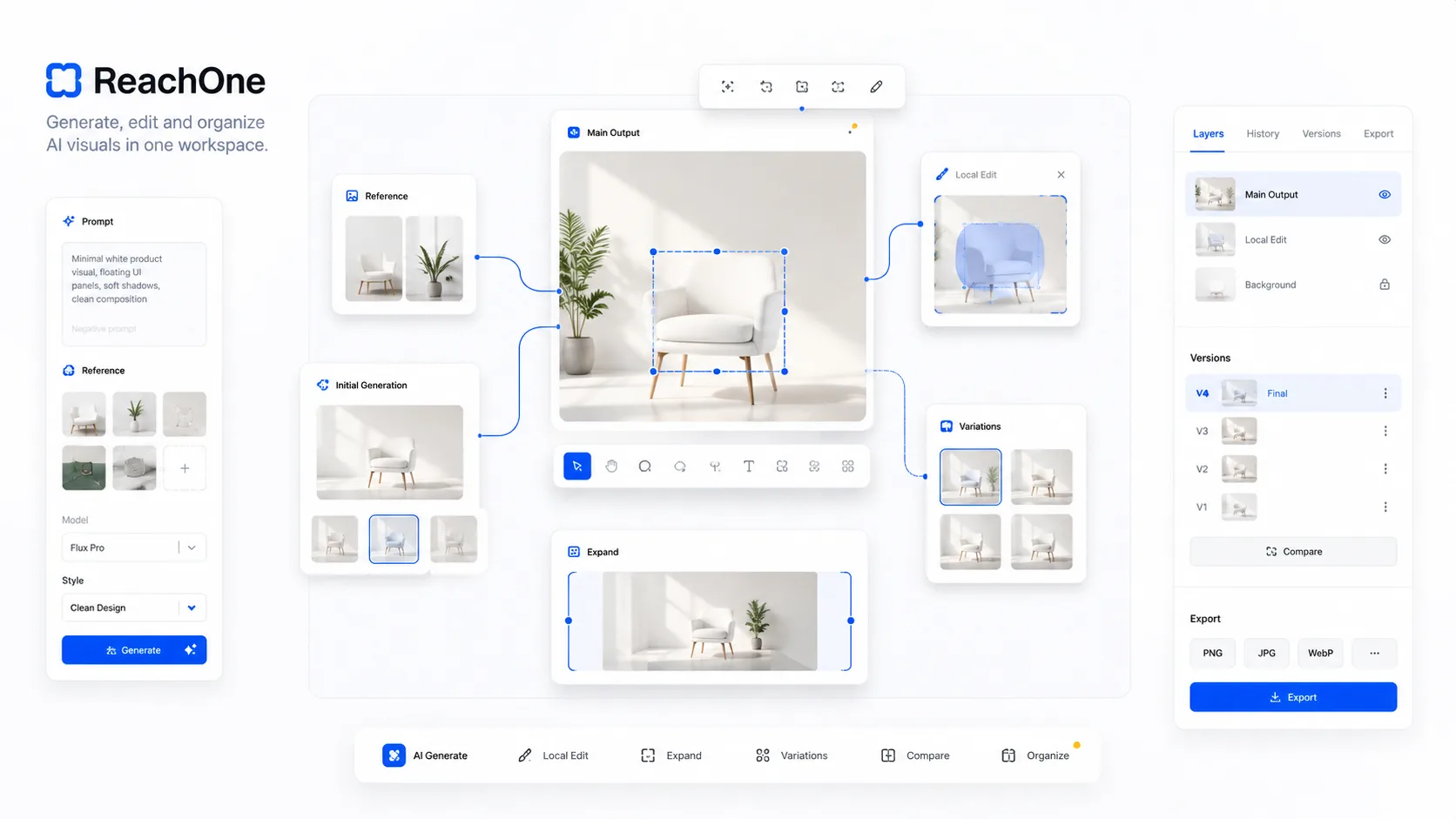
ReachOne is not only about generating a single image. It helps teams use existing product photos, campaign assets, and references to continuously expand the visual content needed for websites, ecommerce, social channels, and marketing moments.
A better fit for solving
real production asset problems
Fewer repeat shoots
Many product visuals do not need a new set build and reshoot each time. Existing materials can be organized, generated from, and refined into more usable outputs.
Fill missing creative assets faster
When a company lacks complete images, consistent sizes, or stable visual direction, it becomes easier to produce detail graphics, posters, campaign art, and platform-specific formats.
Keep product visuals consistent
By generating from the same references and templates over time, product art, event graphics, and marketing materials can hold a more unified expression style.
Well suited to product image extensions and multi-size outputs
Existing hero shots can keep expanding into detail-page visuals, landscape headers, social crops, and campaign graphics instead of restarting from zero each time.
A faster way to produce posters, campaign art, and concept directions
When a company needs proposal visuals, campaign KV directions, packaging concepts, or region-specific promotional art, the process can move much faster.
From product images to campaign graphics,
one content system can be reused repeatedly
Models, templates, references, and results
run through the same workflow
From references entering the canvas
to further editing and reuse-ready assets
Bring in references
Upload, drag in, or paste materials directly so the first ideas and references all start in the same canvas.
Organize the process
Arrange versions, local directions, and intermediate ideas on the canvas so multi-round creation stays connected.
Apply a workflow template
Choose the right workflow and model parameters for the task, reducing repetitive setup and switching costs.
Keep refining
After generation, continue with crop, perspective, color, and size adjustments so the outputs become reusable assets.